
🚀 Introduction: What Is Google Stitch?
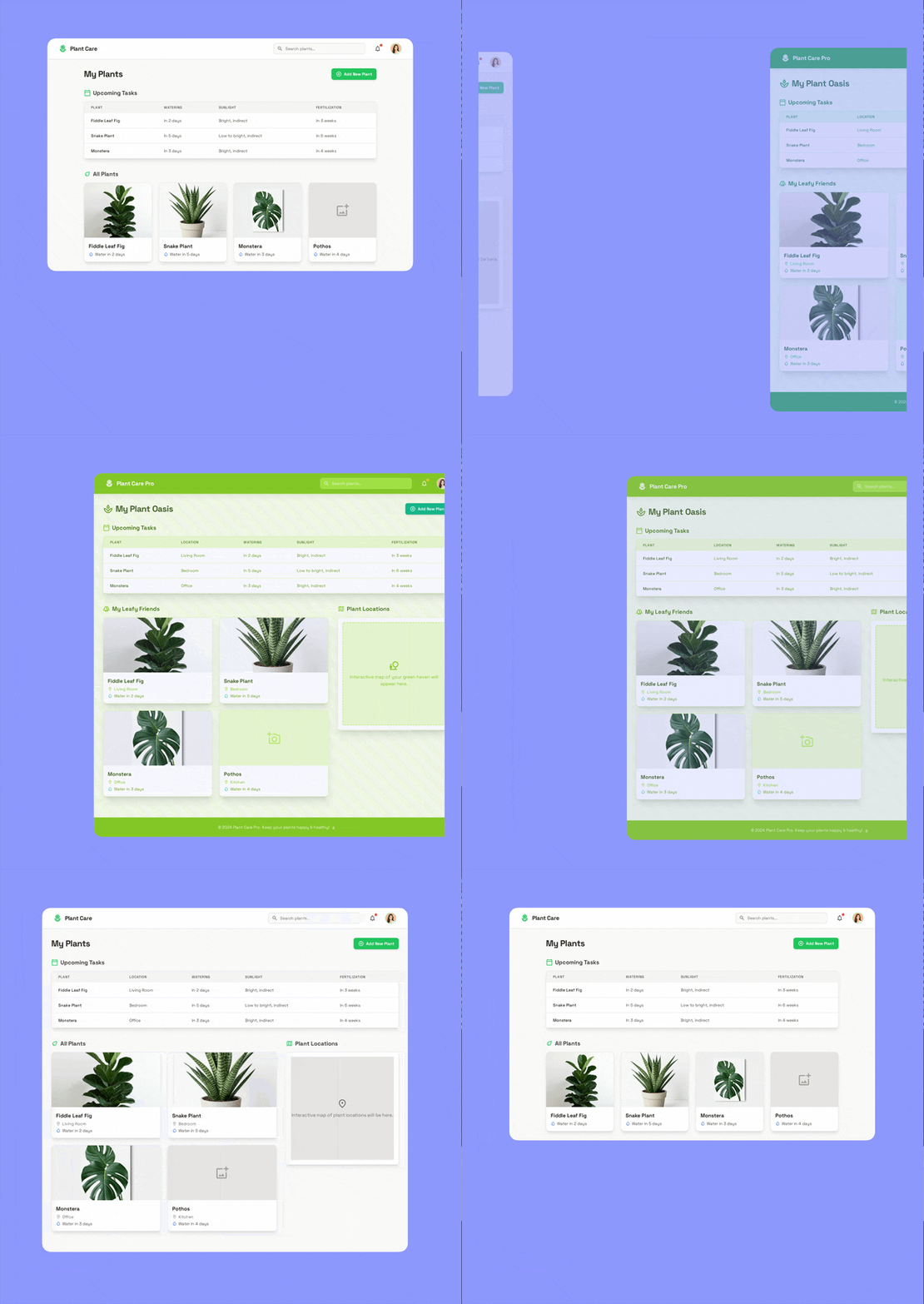
In an era where speed and innovation drive software development, Google Stitch emerges as a game-changer. Announced at Google I/O 2025, Stitch is an AI-powered design assistant that converts text prompts and images into responsive UI code—instantly.
Whether you’re a front-end developer looking to speed up prototyping or a designer who wants to reduce handoffs, Stitch is designed to bridge the gap between design and development using natural language processing and image-to-code AI.
🧩 How Google Stitch Works
Google Stitch uses Gemini 1.5 Pro under the hood—a powerful large language model capable of understanding and generating code based on multimodal inputs like:
- 📝 Text prompts (e.g., “Create a login form with Google SSO”)
- 🖼️ Uploaded design sketches or screenshots
- 🎨 Color palettes or Figma snippets (coming soon)
Once a prompt is submitted, Stitch:
- Interprets your intent via AI.
- Generates HTML/CSS (and optionally Tailwind CSS).
- Provides a live preview and export option.
- Offers Figma export for further design collaboration.
✨ Key Features of Google Stitch
🔤 Natural Language UI Generation
You don’t need to be a frontend expert. Just describe your UI and Stitch handles the rest:
- “Create a hero section with a call to action”
- “Add a responsive navbar with a dropdown menu”
📄 Clean, Production-Ready Code
Stitch outputs semantic HTML and customizable CSS, ensuring the designs are developer-friendly and responsive.
🔁 Real-time Preview
Get instant visual feedback, making it easier to tweak elements without switching tools.
🎨 Export to Figma
Designers can pick up where Stitch left off with Figma export, making handoff smoother and more efficient.
📦 Use Cases for Google Stitch
Google Stitch is perfect for:
- Startups: Rapid prototyping and MVP creation
- Freelancers: Reduce client design turnaround time
- Agencies: Scale frontend delivery without expanding dev bandwidth
- Educators: Teaching HTML/CSS through interactive generation
⚙️ How to Get Started with Google Stitch
Step-by-Step Guide:
- Visit labs.google and sign in with your Google account.
- Open Stitch and choose between text or image input.
- Describe the UI you want: “Create a product card with price, image, and buy button.”
- Preview and customize layout or color scheme.
- Export the code or push to Figma.
📈 SEO Benefits of Using Google Stitch for Web Design
Stitch helps developers build fast-loading, mobile-first websites that follow semantic HTML standards, giving your site an edge in:
- Google’s Core Web Vitals
- Crawlability and indexation
- Accessibility (WAI-ARIA tags are optionally added)
- Time to First Byte (TTFB)
🔄 Stitch vs Other AI Design Tools
| Feature | Google Stitch | Uizard | Builder.io | Framer |
|---|---|---|---|---|
| Prompt-based design | ✅ | ✅ | ❌ | ✅ |
| Code export (HTML/CSS) | ✅ | ✅ | ✅ | ❌ |
| Figma export | ✅ | ❌ | ✅ | ✅ |
| Free to use (Labs) | ✅ | ❌ | ❌ | ✅ |

